
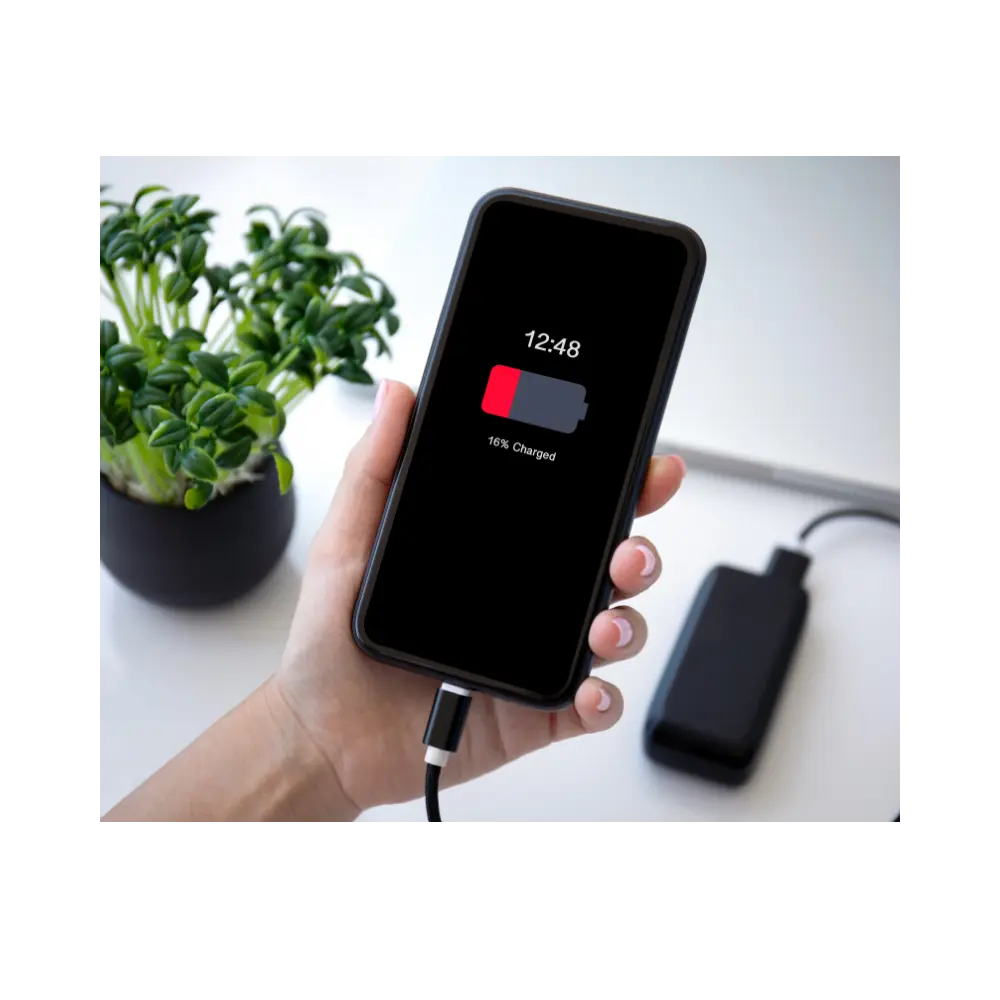
You pull your smartphone off the charger at 100% in the morning, but by midday—without even heavy usage—the battery plummets below 20%. Whether you’re rushing to an important meeting or trying to make an urgent call while on the move, nothing is more frustrating than a phone that dies right when you need it most.
If you’ve ever found yourself asking, “Why is my phone battery draining so fast?” you are definitely not alone. The good news is that you don’t necessarily need a brand-new phone to fix this. Often, a few minor tweaks to your device settings can instantly extend your daily battery life.
In this guide, we’ll break down the 7 major reasons why your phone battery drains so quickly and how you can easily fix them. Plus, we’ll look at the ultimate on-the-go backup solution—a reliable Portable Power Bank—to ensure you never get caught with a dead screen again!
Tip 1: Check and Restrict Background App Refresh
You know that feeling when you check your battery usage and realize social media apps have been running in the background for hours without you even opening them? Apps love to update their feeds, fetch new messages, and track your activity while your phone is sitting idle in your pocket.
- The Fix: Head over to your phone settings and turn off “Background App Refresh” for apps that don’t genuinely need it. It’s an easy tweak that stops invisible battery drain instantly.
Tip 2: Manage Screen Brightness and Timeout Settings
Let’s be honest—having your screen cranked up to 100% brightness all day looks great, but it’s basically an open fire burning through your battery life. Add a long screen timeout (like 5 or 10 minutes) to that, and your display stays lit long after you’ve set the phone down.
- The Fix: Drop your brightness to a comfortable middle ground or switch on Auto-Brightness. Also, lower your screen timeout to 30 seconds. Your eyes (and your battery) will thank you.
Tip 3: Turn Off Unnecessary Location Services & GPS
Does that random photo editing or gaming app really need to know your exact GPS coordinates 24/7? Constantly pinging satellites to track your location is one of the heaviest things a smartphone can do.
- The Fix: Go through your location permissions and change them from “Always Allow” to “While Using the App” (or block them entirely if they don’t need location at all).
Tip 4: Reduce Push Notifications and Sync Frequency
Every time a notification pops up on your lock screen—whether it’s a breaking news alert, a game reminder, or a promotional email—your phone’s display wakes up and its processor kicks into gear. Multiply that by a hundred notifications a day, and it adds up to massive battery loss.
- The Fix: Disable push notifications for non-essential apps. Set your email sync from “Push” (instant) to “Manual” or fetch every hour. You’ll get fewer distractions and a lot more screen-time.
Tip 5: Deal with Weak Cellular Network Signals
Have you ever noticed your phone getting unusually warm and dying fast when you’re in a basement, traveling through a remote area, or stuck in a bad reception zone? When signal bars drop, your phone panics, pumping maximum power into its internal antennas trying to find a tower.
- The Fix: If you’re stuck in a dead zone for a while, flipping on Airplane Mode or turning on Wi-Fi calling can completely stop your phone from wasting energy fighting for a signal.
Tip 6: Check Your Battery Health
Sometimes, no matter how many settings you tweak, your phone battery is simply aging and losing its original capacity. Lithium-ion batteries degrade over time, meaning they just can’t hold a charge like they used to.
- The Fix: Head over to your phone’s battery settings and check your battery health percentage. If it’s heavily degraded, you might need a battery replacement soon.
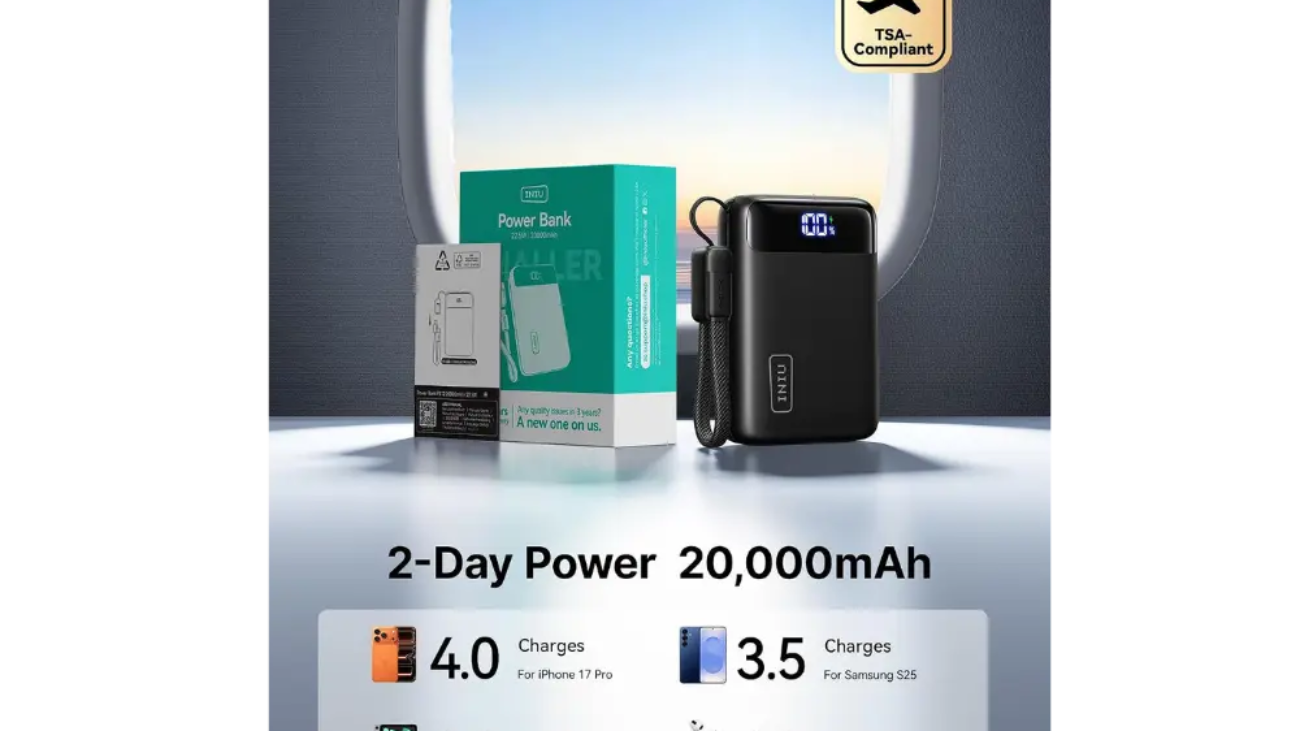
Tip 7: The Ultimate Fix — Grab the INIU 20000mAh Portable Power Bank!
What happens when you’re traveling, out with friends, or stuck away from a wall socket all day? That’s where you need a reliable backup plan.
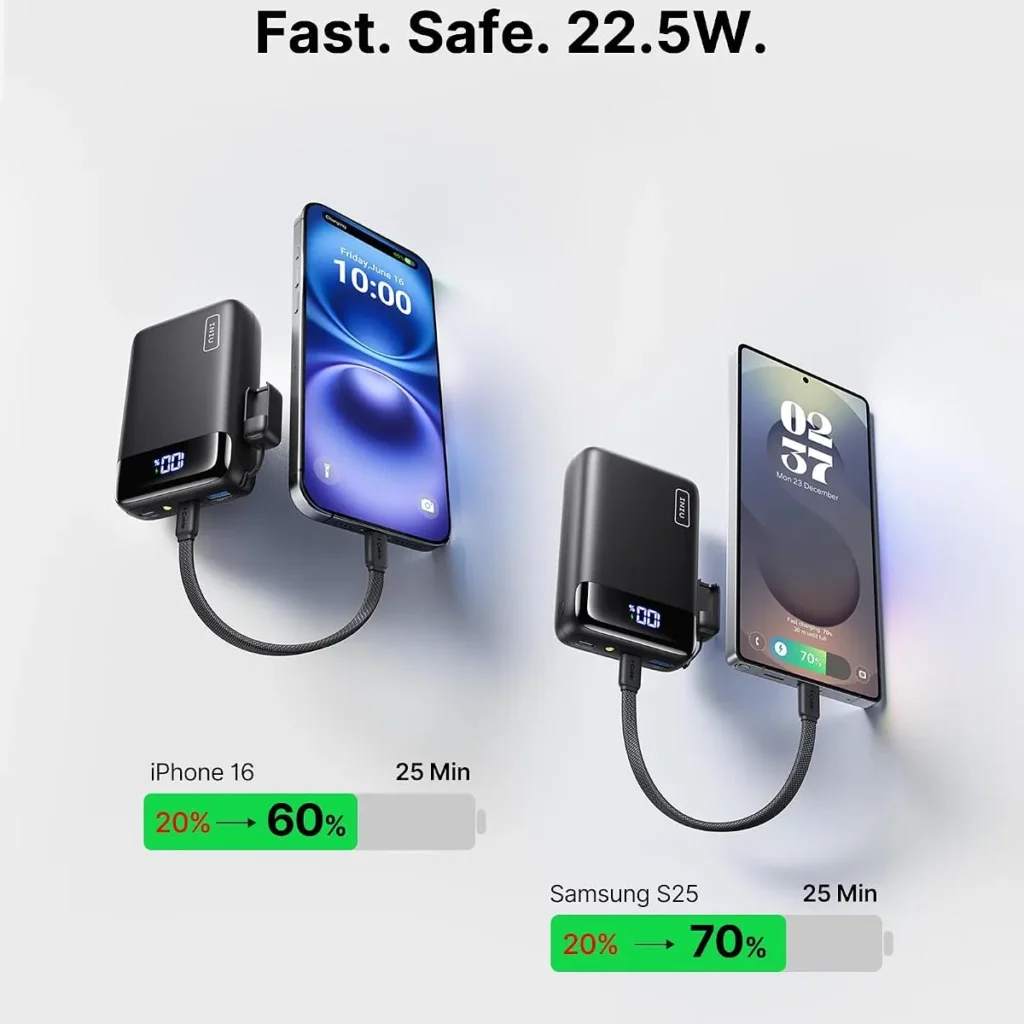
- The Solution: Instead of stressing over a dying phone, slip the INIU Smallest 20000mAh 22.5W Fast Charging Power Bank from GadgetHive into your backpack. With its massive capacity and ultra-fast 22.5W charging speeds, it can juice up your phone multiple times anywhere, anytime—ensuring you stay connected 24/7 without ever hitting 0% again!